 CoreAxis School ERP
Academics · Chapter 14
Homework
Homework is set for a whole class and one subject, with the date it is given, an optional submission date and a written description. As soon as it is saved it appears under Homework in the student and parent portal and the mobile app. Admin and Principal see the homework of all classes; a teacher sees and sets homework only for the classes they are class teacher of.
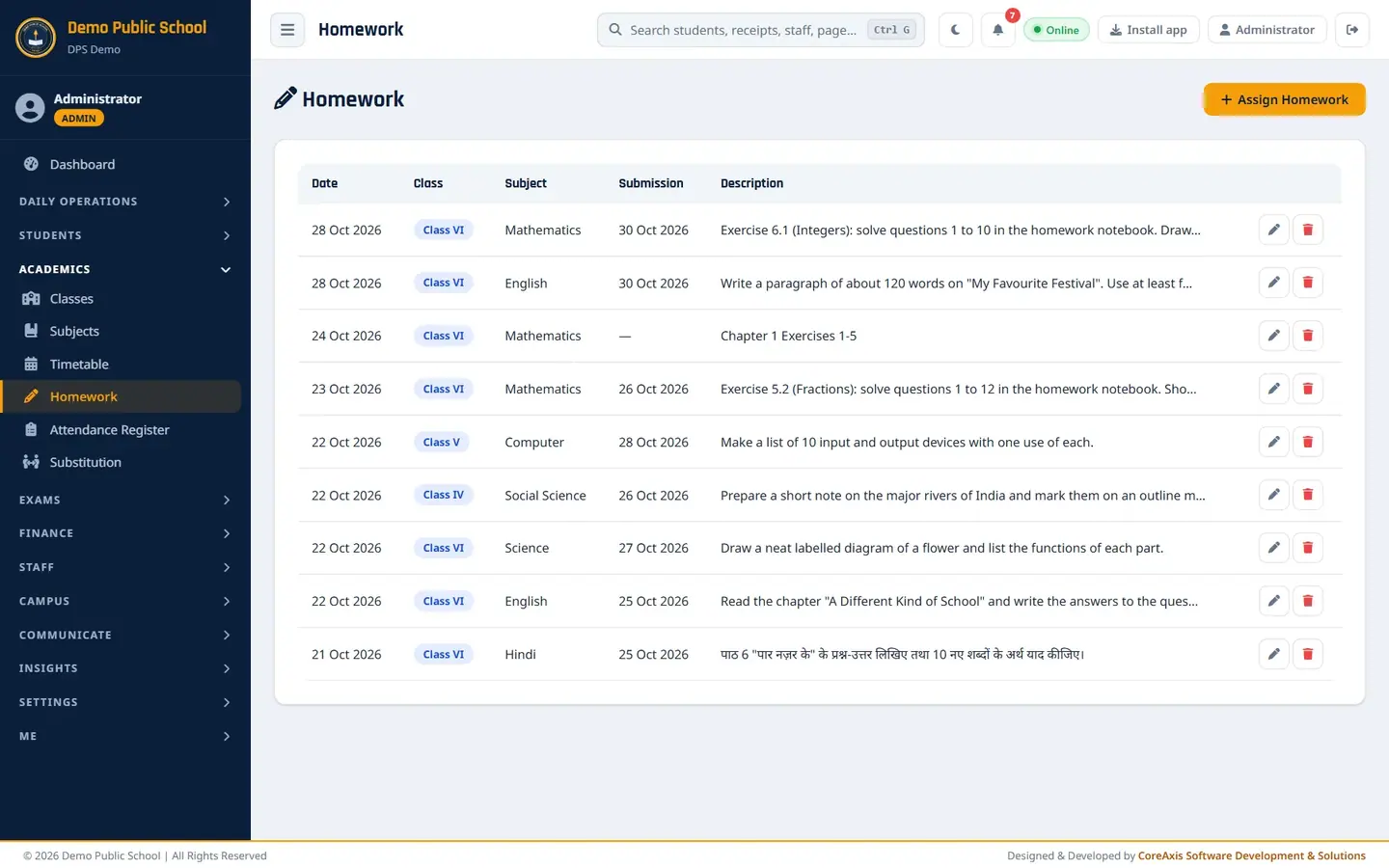
Screen at a glance
- Assign Homework
- Opens the form for new homework.
- Date
- The day the homework was given. The newest is at the top; 50 items per page.
- Class / Subject
- Who the homework is for and in which subject.
- Submission
- The date it must be handed in, or a dash if none was set.
- Description
- The first 80 characters of the homework text, in any language (Hindi homework shows in Devanagari).
- Pencil / Bin
- Edit the homework, or delete it (asks to confirm).
Give homework to a class (example: Class VI English, due 30 Oct 2026)
Open Academics › Homework and click Assign Homework.
The homework list with the Assign Homework button. Pick Class VI in Class and English in Subject.
Leave Date as today (28-10-2026) and set Submission Date to 30-10-2026.
Type the homework in Description, for example: Write a paragraph of about 120 words on "My Favourite Festival". Use at least five new words from Chapter 4 and underline them.

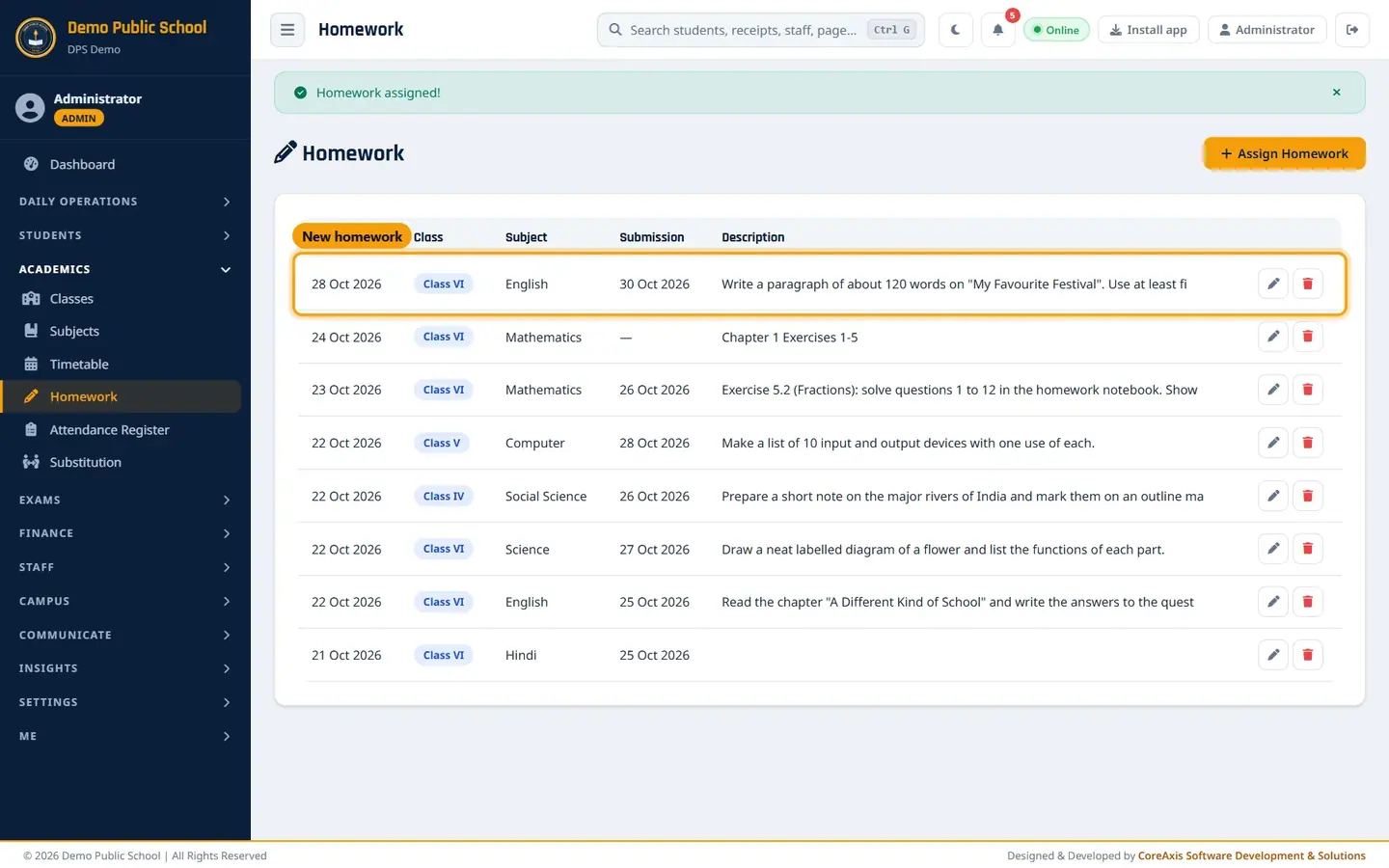
The Assign Homework form filled in. Click Save, then Save in the confirmation popup. The message "Homework assigned!" appears and the homework is at the top of the list.
The new homework in the list.
TipThe submission date cannot be before the homework date.
TipHomework is for the whole class. To give different work to one student, write it in a note to the parent instead.
TipHomework can be written in Hindi or English. The list shows the start of the text in the language it was typed.
Edit or delete homework
Click the pencil in the homework's row. The Edit Homework form opens with the saved details.

Edit Homework. Change what you need and click Save, then confirm. The message "Homework updated!" appears.
To remove homework given by mistake, click the red bin and confirm Delete this homework? twice.
What students and parents see
In the portal, Homework lists the last 10 homework items of the student's class, newest first, with the subject, the date given and the full text. Aarav Sharma of Class VI-A sees the English homework at the top.

Student portal › Homework.
TipThe portal shows the date the homework was given, not the submission date. If the due date matters, also write it in the description (for example "Submit by Friday, 30 Oct").
Teacher's view
A teacher opens Homework from My Class. The class list in the form shows only their own class, and the list shows only that class's homework.
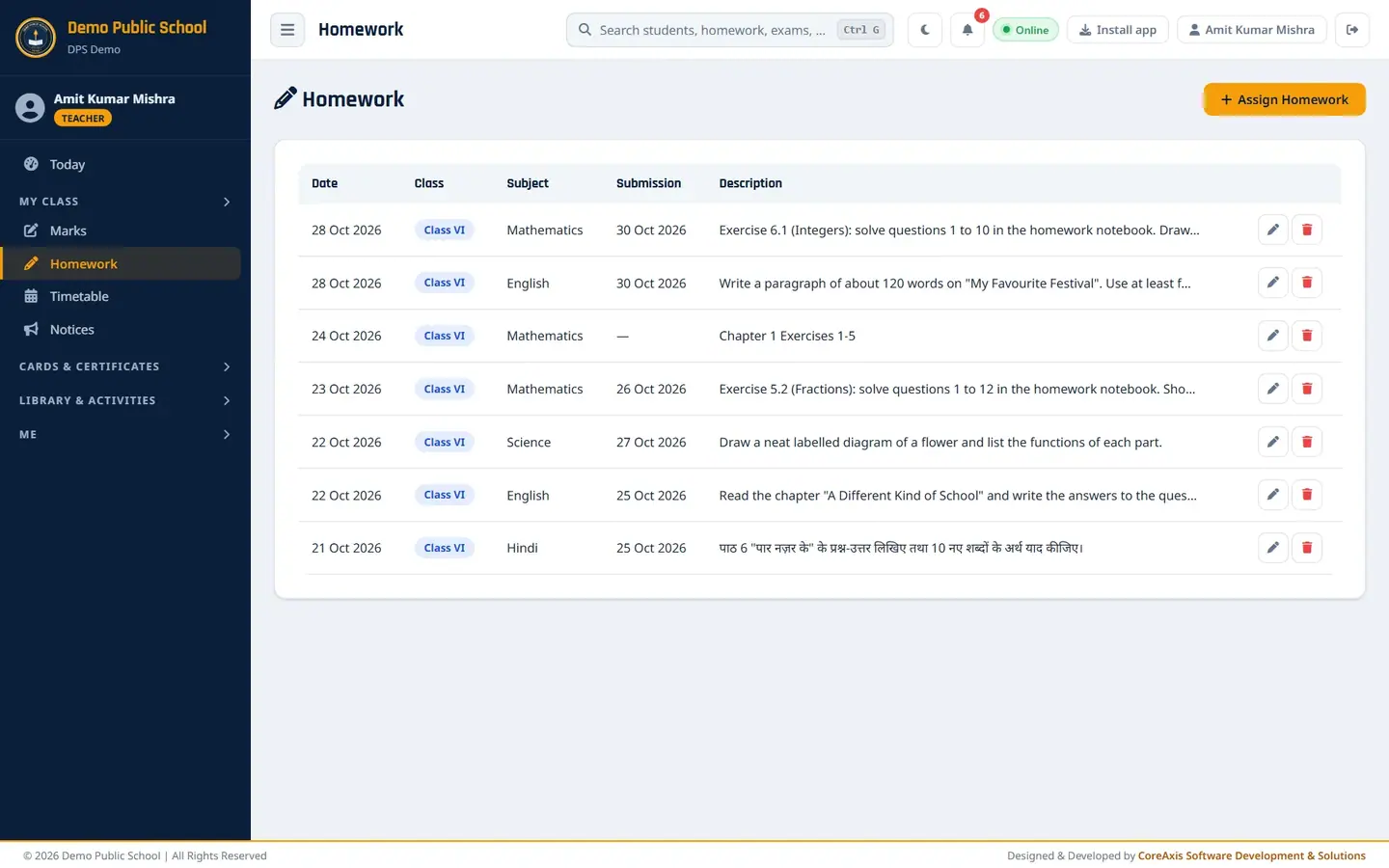
Amit Kumar Mishra (class teacher of VI-A) sees only Class VI homework.
Questions
Can I attach a worksheet (PDF or photo) to homework?
Not at present. Homework is text only. Share the worksheet through Notices or the class's usual channel, and mention it in the homework text.
Does the parent get an SMS for new homework?
No SMS is sent from this page. Parents see it in the portal and the mobile app.
I see old homework only on page 2. Is it lost?
No. The list shows 50 items per page; use the page links under the table.
Can I write homework in Hindi?
Yes. Type it in Hindi (Devanagari) in Description. The list, the portal and the app show it as typed, for example the Class VI Hindi homework of 21 Oct: पाठ 6 "पार नज़र के" के प्रश्न-उत्तर लिखिए तथा 10 नए शब्दों के अर्थ याद कीजिए।